
Exploring KalqiX: A Walkthrough of Key Features

The KalqiX testnet is designed to help users experience a next-generation trading platform in a simple and intuitive way.
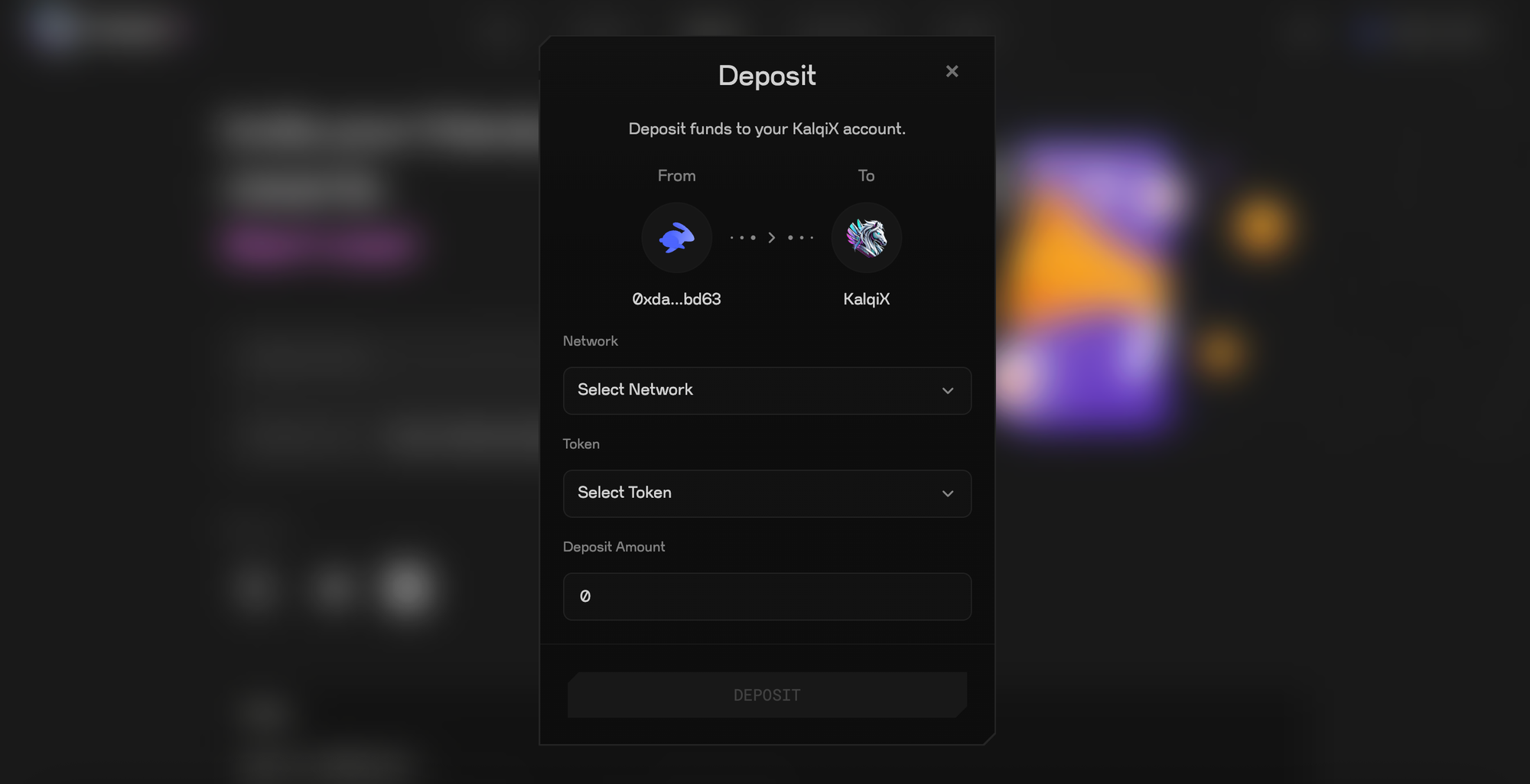
Before getting started, users need to:
• Connect their wallet
• Wait for a 60 seconds to receive test faucets
• Deposit testnet funds into their KalqiX wallet
Once the funds are credited, users can start exploring all the core features of the platform.
Below is a walkthrough of the main sections available on the KalqiX testnet.
Trading Page
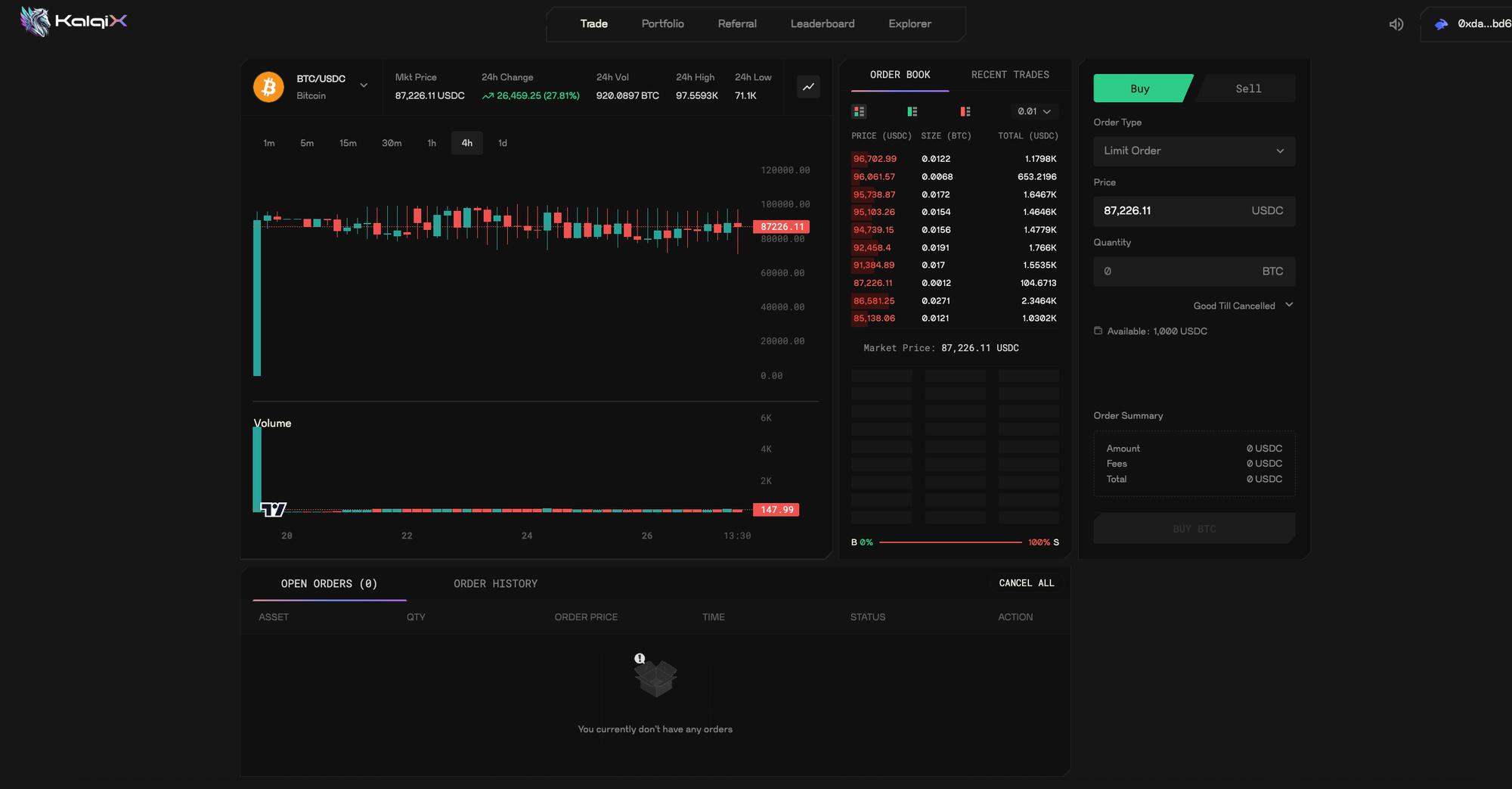
The trading page is the heart of the KalqiX testnet.
Here, users can:
• View available trading pairs
• Access the orderbook
• Place buy and sell orders
• Monitor price movements in real time
The interface is designed to be clean and easy to navigate, allowing users to focus on trading without unnecessary complexity. Once funds are deposited, users can start trading instantly.
Portfolio Page
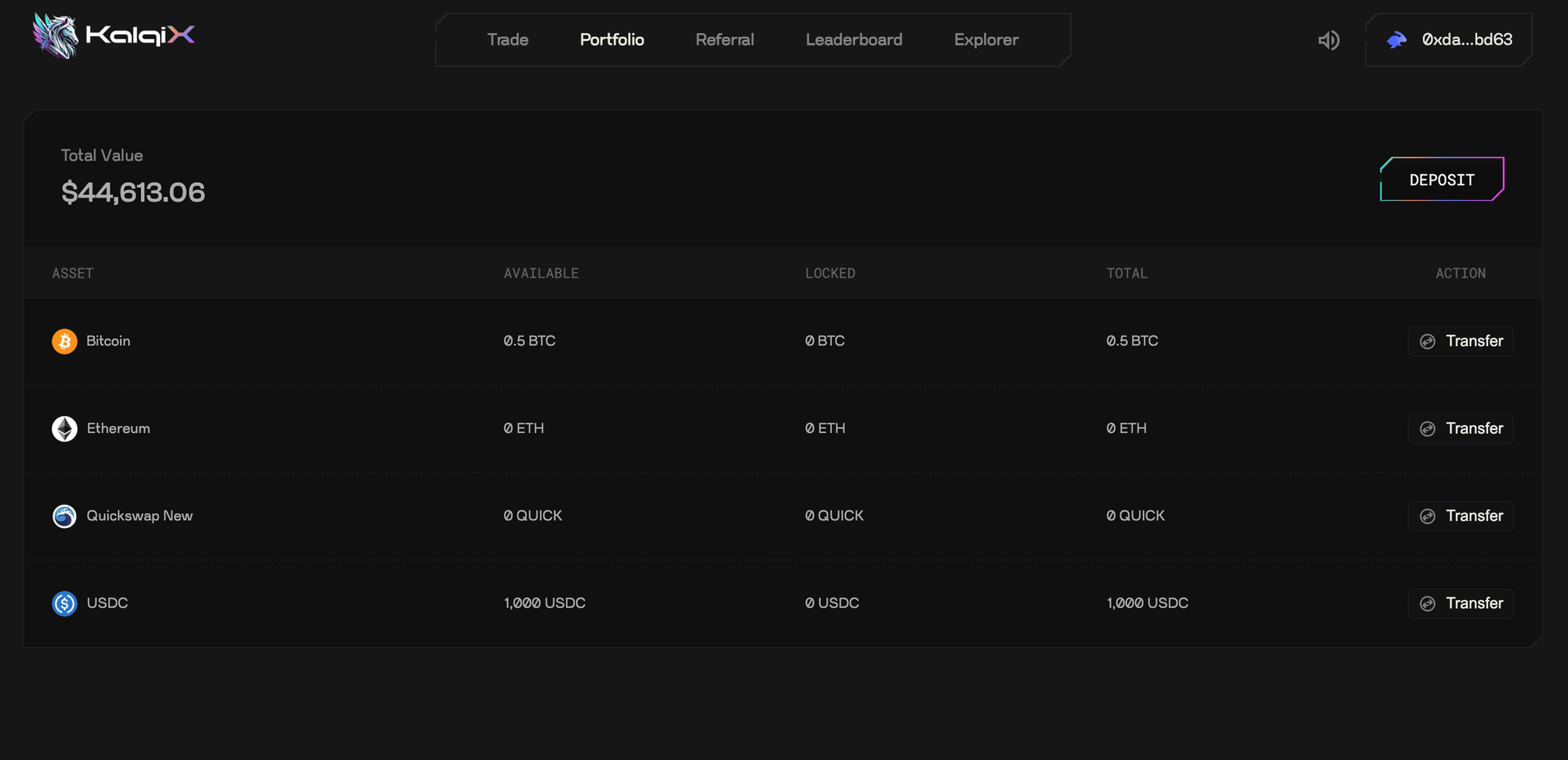
The portfolio page gives users a complete overview of their assets on KalqiX.
On this page, users can:
• See all the assets they currently hold
• View the total value of their portfolio
• Track changes in balances as they trade
This section helps users understand their exposure and monitor performance at a glance.
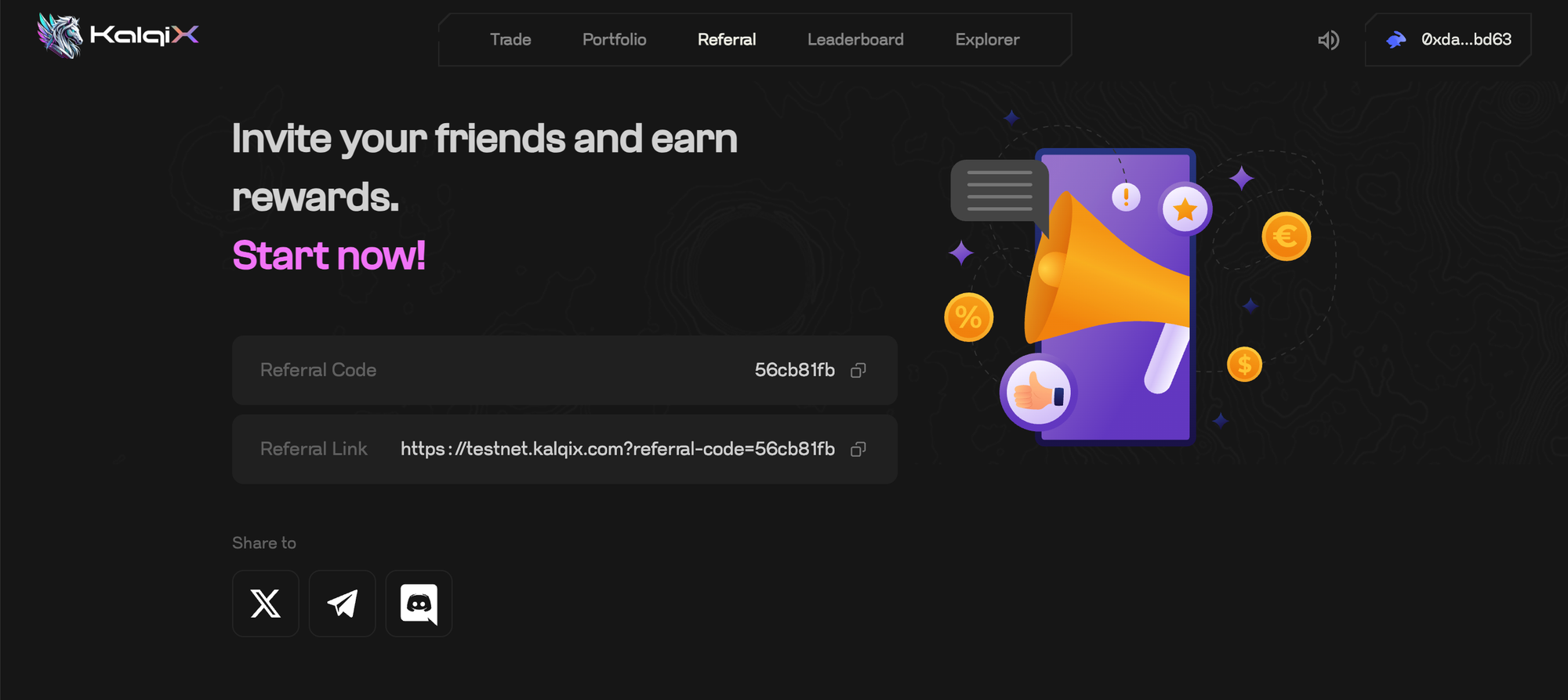
Referral & Affiliate Dashboard
KalqiX includes a built-in referral system to reward active community members.
From the referral page, users can:
• Access their unique referral link
• Invite others to trade on KalqiX
• Earn trading commissions from referred users
• Track referral activity and performance
The affiliate dashboard provides detailed insights into:
• Referred users
• Team performance
• Earned commissions
Everything related to referrals and rewards is visible in one place.
Leaderboard
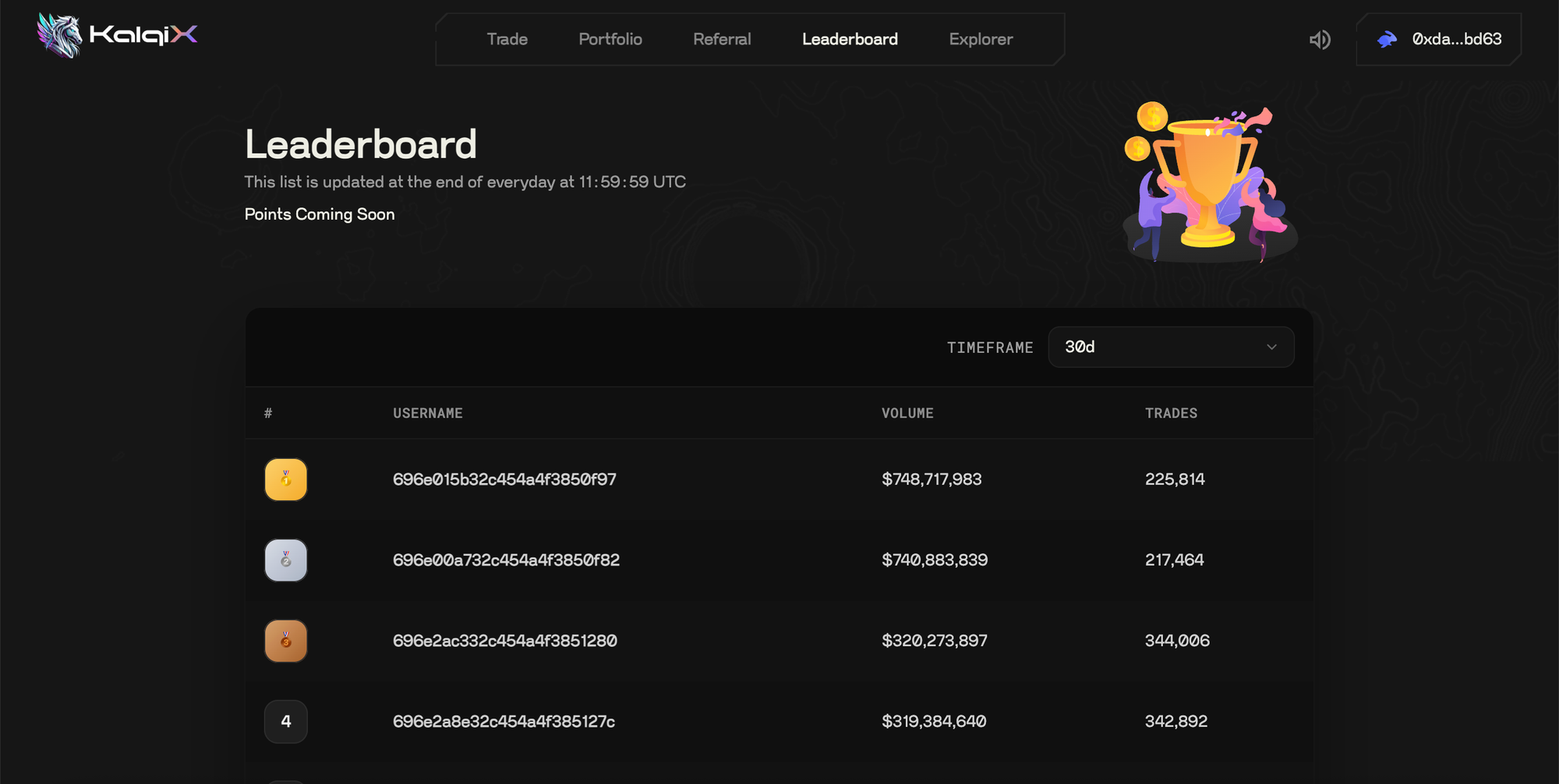
The leaderboard adds a competitive element to the KalqiX testnet.
Key highlights:
• Rankings are based on top traders over the last 30 days
• Users can see where they stand compared to others
• Encourages active participation and trading
This feature makes the testnet more engaging while rewarding consistent activity.
Explorer
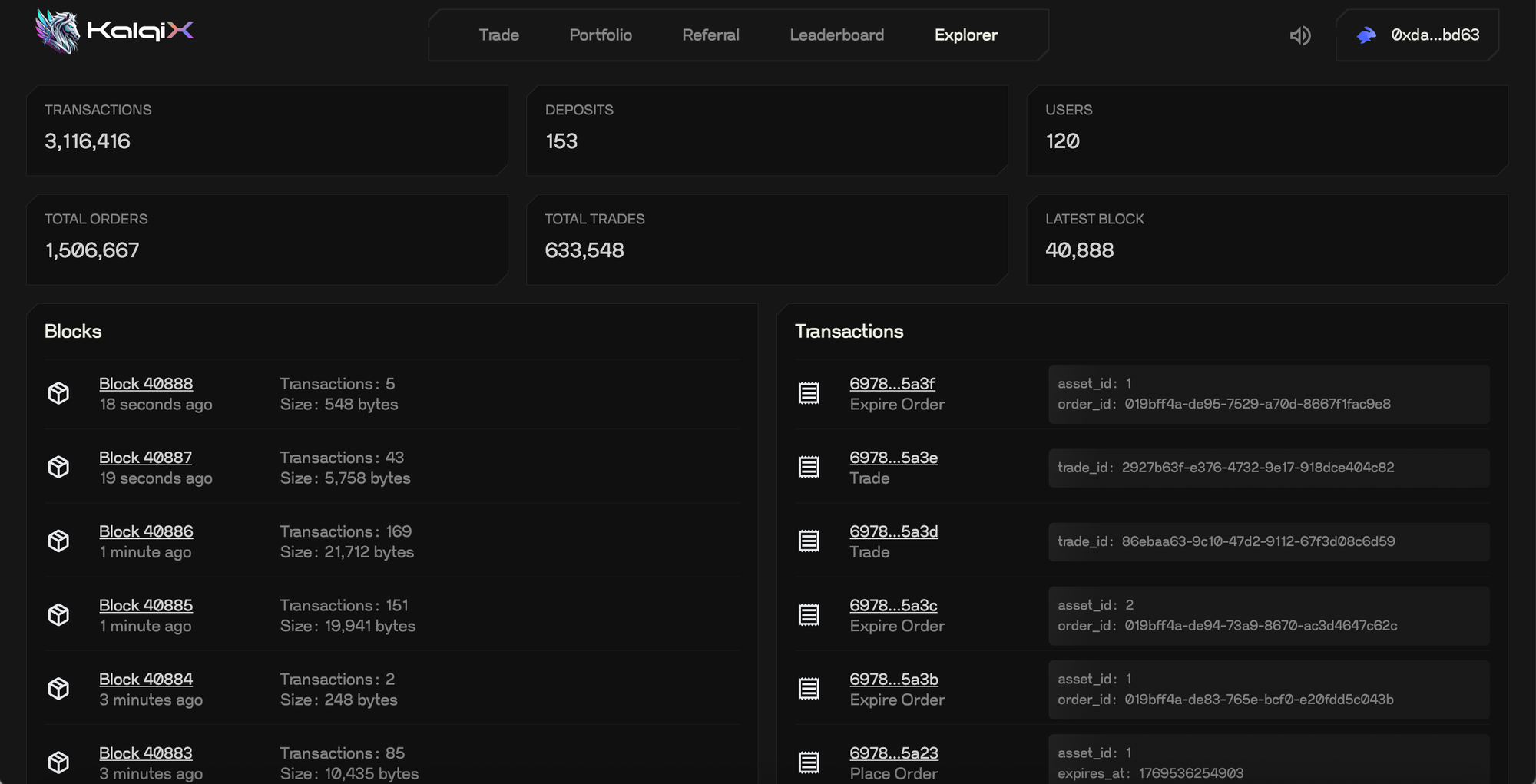
The explorer allows users to view transparent, on-chain related data generated by trading activity on KalqiX.
From the explorer, users can:
• View trading transactions
• Track blocks, deposits, and withdrawals
• See data availability (DA) layer hashes (currently Avail on testnet)
• View the zk proof hash submitted on the parent chain
(currently Base for the testnet)
This section gives users visibility into how trades and transactions are recorded and verified across different layers.
Getting Started
The KalqiX testnet is built to help users:
• Understand the platform
• Explore trading features
• Experience the full flow before mainnet launch
Simply connect your wallet, get the airdrop, deposit testnet funds, and start exploring each section to get familiar with how KalqiX works.